

Latest Version
Microsoft Corporation
Design
Windows
Free
9wzdncrfjbh4
Report a Problem
More About Microsoft Photos
The Everyday Challenge of Digital Photo Clutter
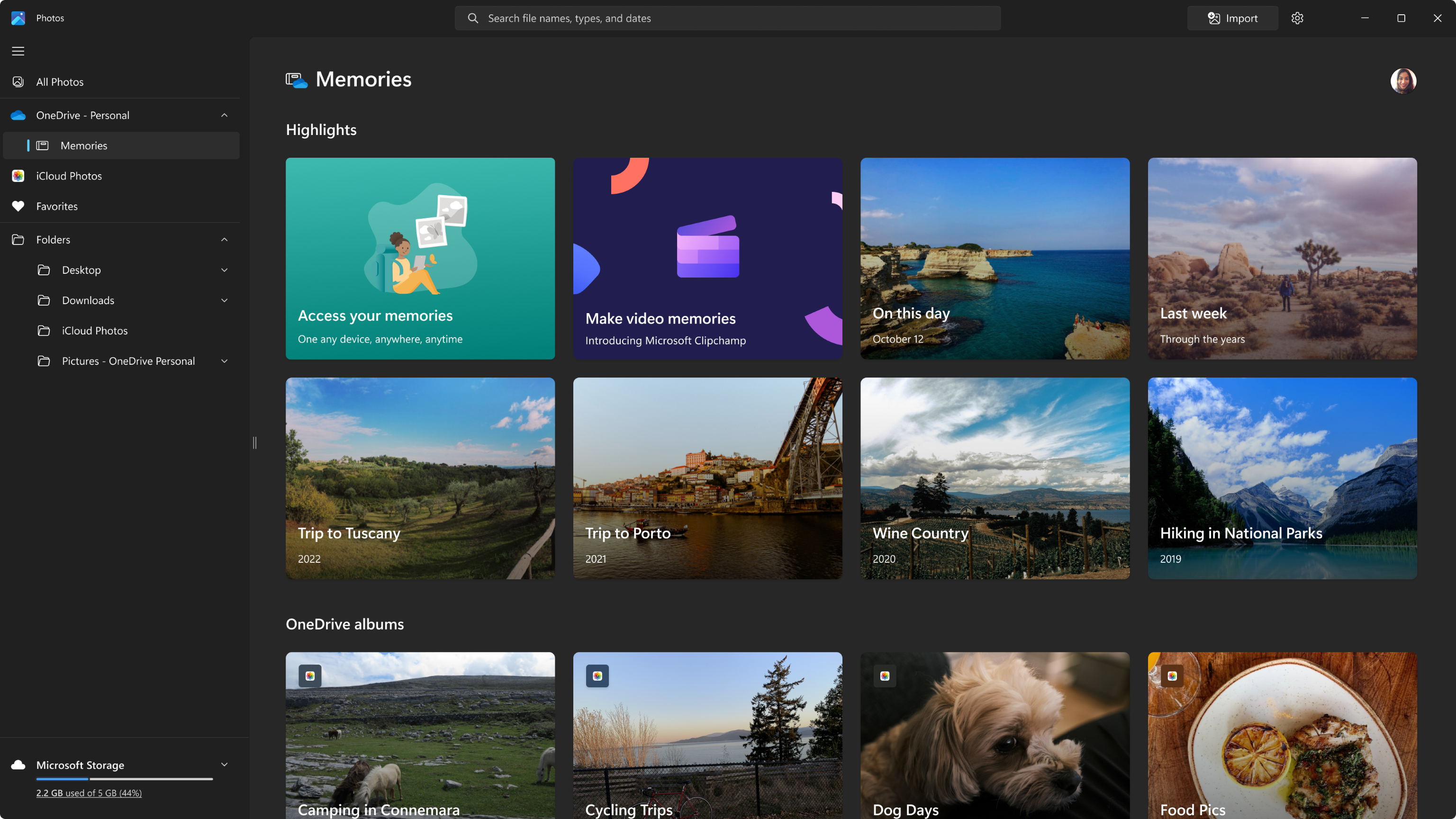
With smartphones and digital cameras constantly capturing memories, managing an ever-growing media library can quickly become overwhelming. Files get scattered across local drives, cloud storage, and various device backups. The Microsoft Photos media organizer addresses this exact problem by serving as a unified, intuitive hub designed to bring order to your visual library on the Windows platform.
What is the Microsoft Photos Media Organizer?
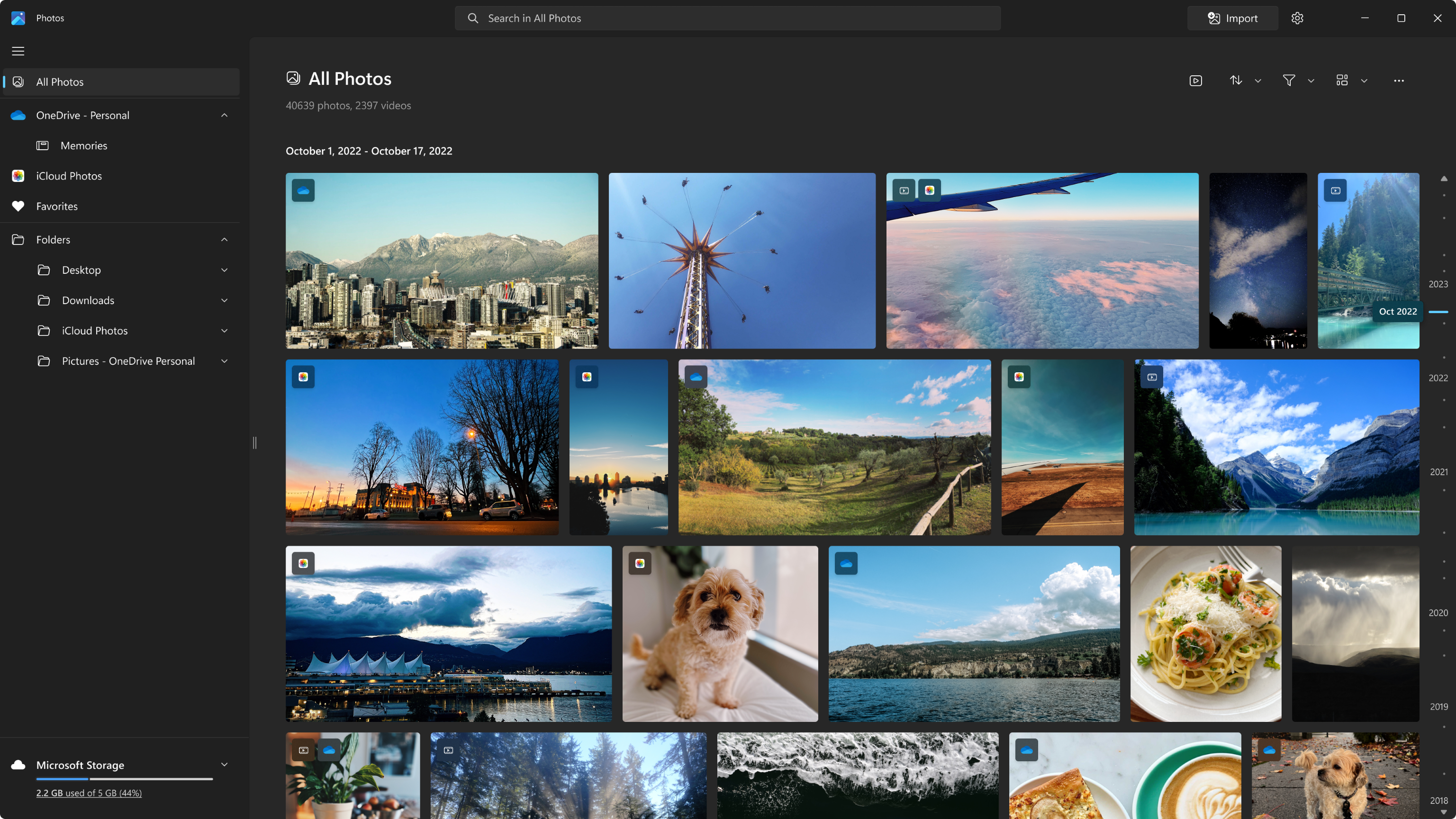
Developed by Microsoft Corporation, the Microsoft Photos media organizer is a built-in application tailored specifically for Windows users. Far from being a basic file viewer, this newly redesigned and reengineered software provides an elegant, fast, and highly responsive gallery experience. It integrates seamlessly into the operating system, allowing you to manage your entire collection of images and video clips from a single, centralized dashboard.
Key Features and Seamless Integrations
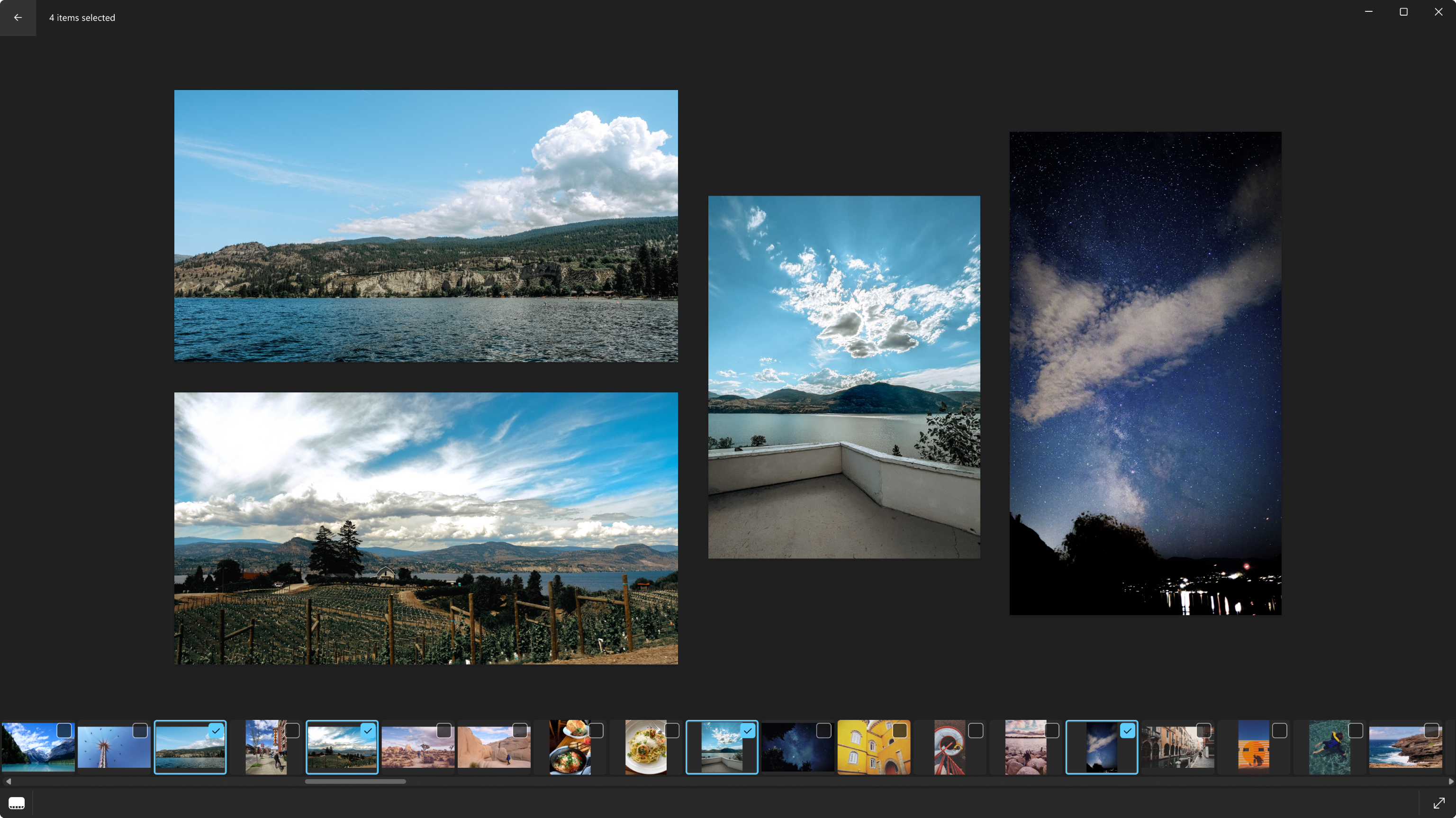
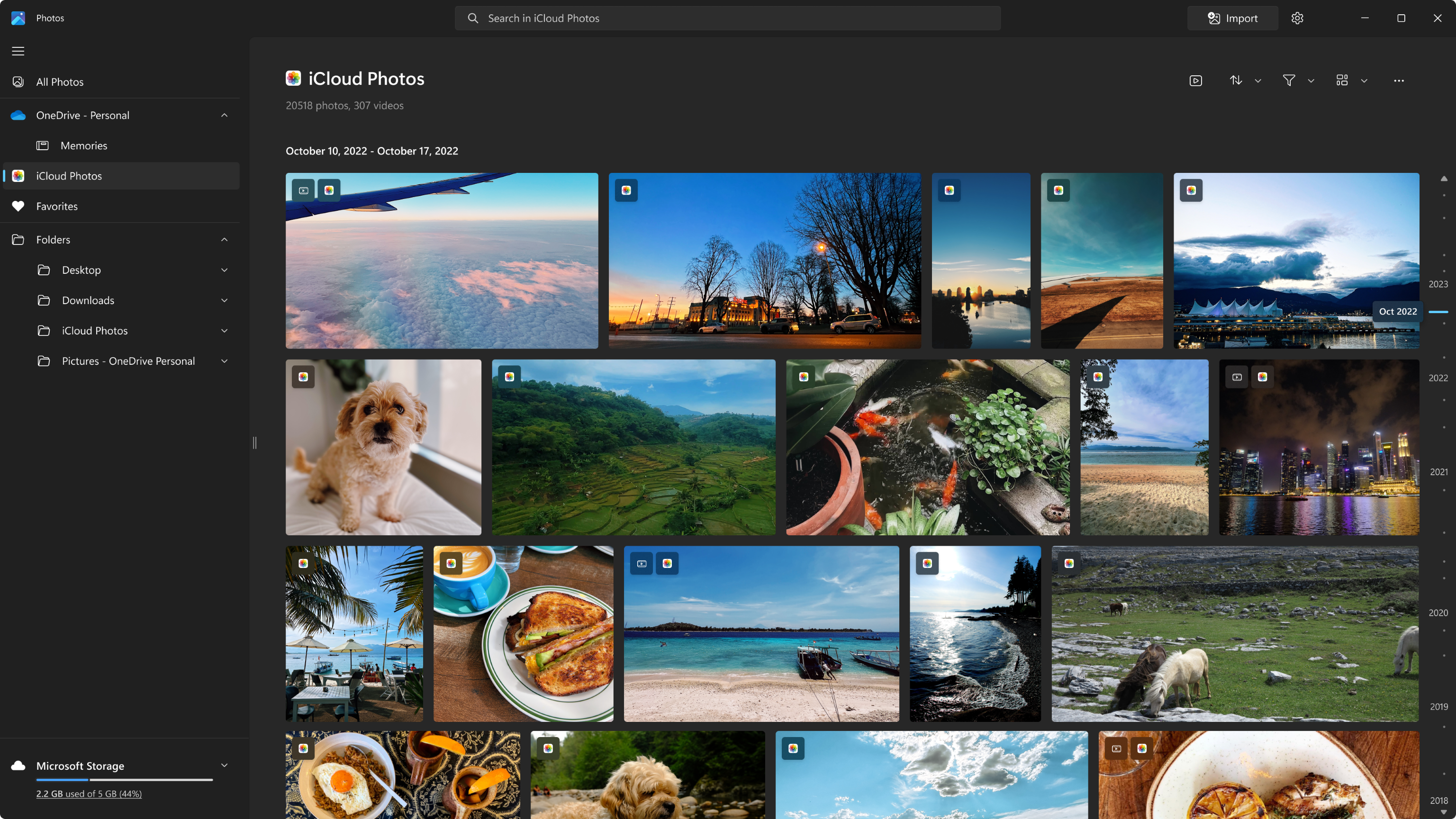
- Unified Gallery: View and organize media stored on your local PC, OneDrive, and even iCloud Photos (exclusively on Windows 11) within one cohesive timeline.
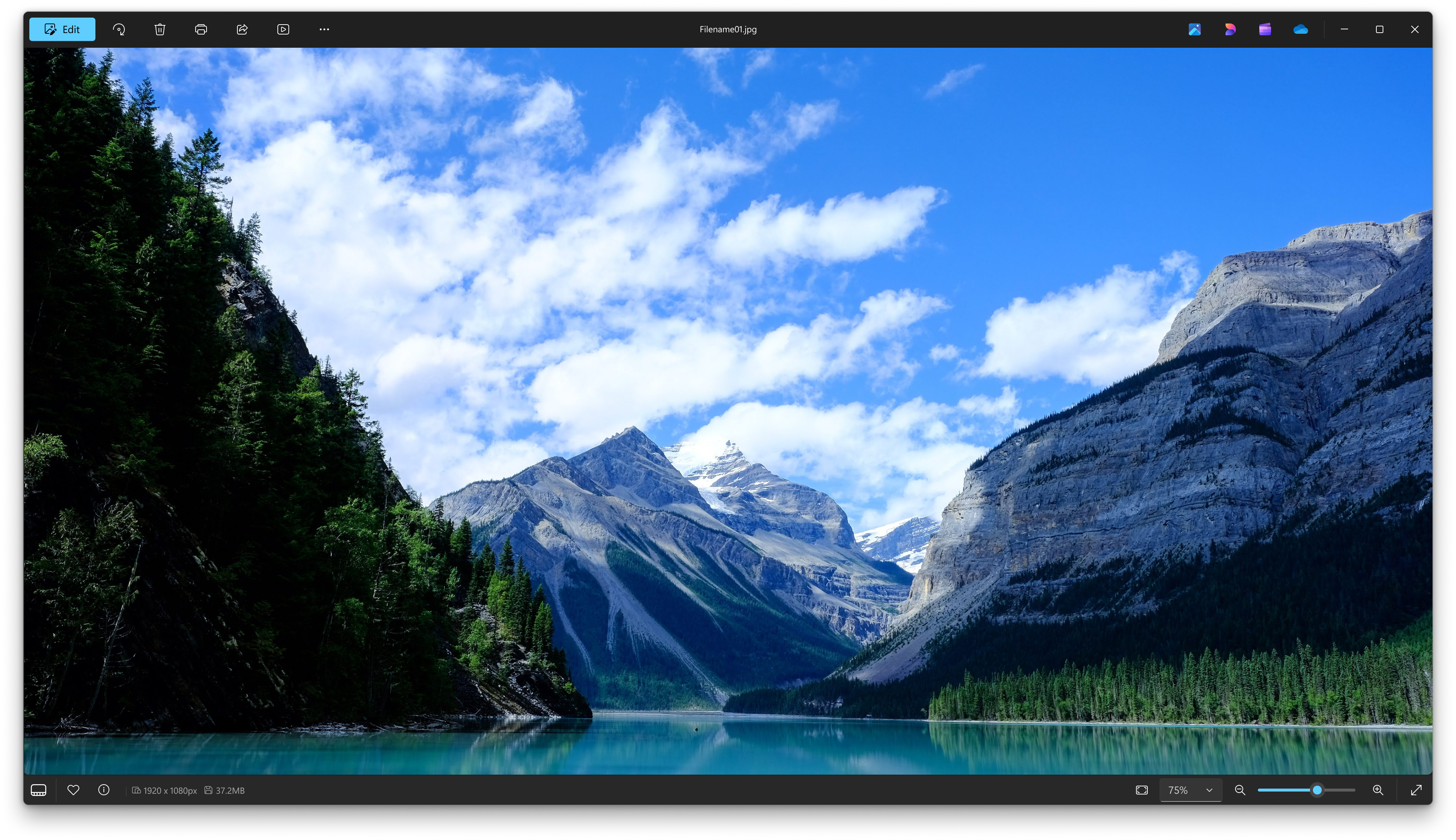
- Immersive Viewing Experience: The modern viewer draws you directly into your media, offering clean layouts that emphasize your content.
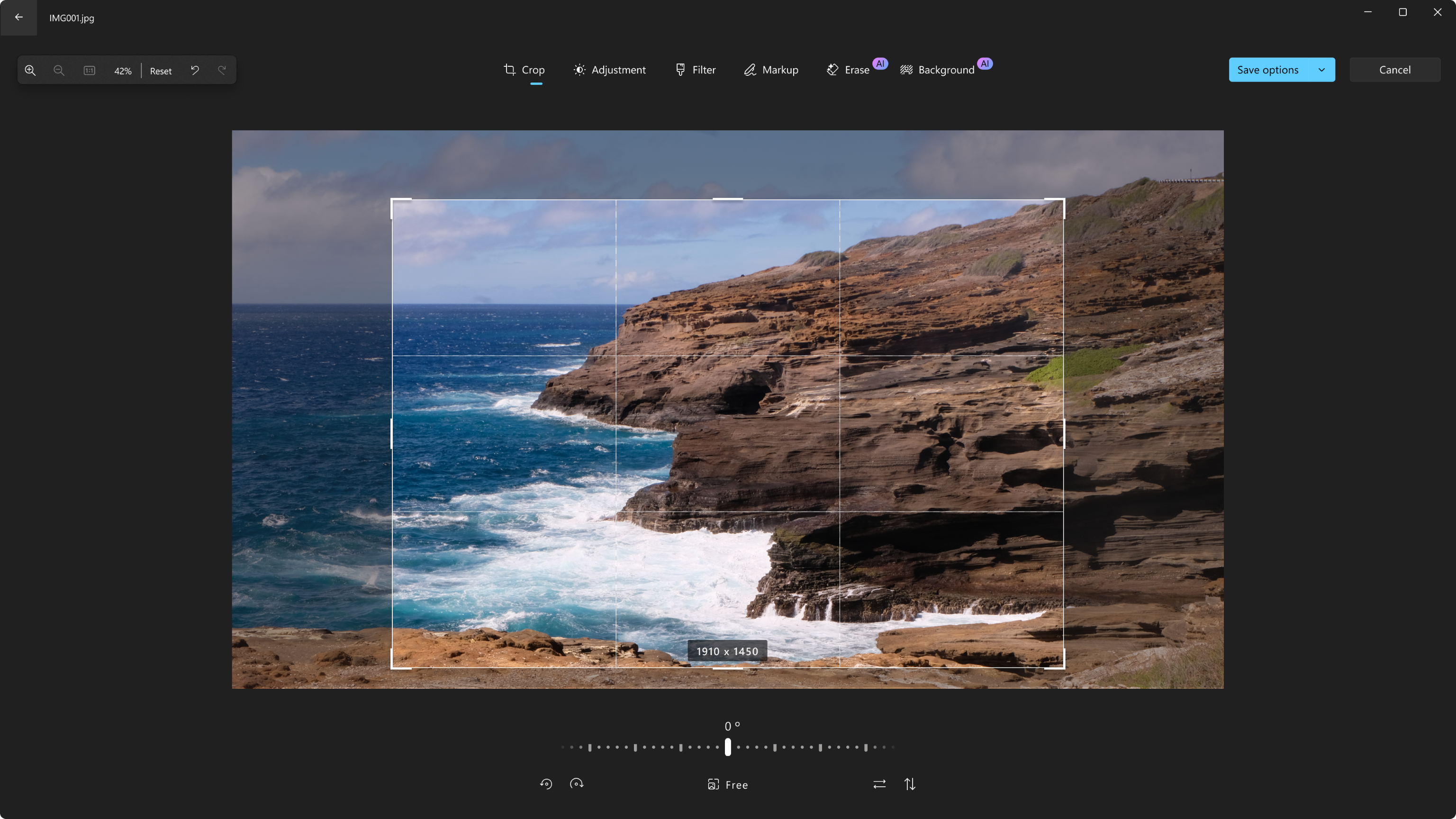
- Built-in Editing Tools: Quickly crop, adjust lighting, color-correct, and enhance your pictures without needing complex, third-party design software.
- Optimized Performance: Engineered for speed, the app ensures quick loading times even when navigating massive, high-resolution libraries.
Who is This Media Companion For?
This software is ideal for everyday Windows users who want a hassle-free way to keep their memories organized. Whether you are a casual photographer looking to clean up your camera roll, or someone who frequently syncs photos across multiple cloud environments, the Microsoft Photos media organizer streamlines the entire process. Its direct integration with major cloud services eliminates the need to manually transfer files between devices, making it a highly practical tool for families and creative hobbyists alike.
Enhance Your Media Experience Today
If you are looking for a clean, efficient, and native solution to manage your digital gallery, this pre-installed Windows application is highly capable of meeting your creative and organizational needs. To learn more or to ensure you have the latest updated version, visit the official Microsoft Store page to explore its full capabilities.
Rate the App
User Reviews

Popular Apps










Editor's Choice